Codex Threat Modeling Skill
Security Threat Modeling with Codex
While exploring OpenAI’s Codex I noticed an interesting skill called “Security Threat Model”. The concept immediately caught my attention because threat modeling is typically a manual process that requires understanding system architecture, identifying trust boundaries, and mapping possible attack paths. Seeing this packaged as a reusable skill suggested that Codex could automate at least some of the early analysis steps.
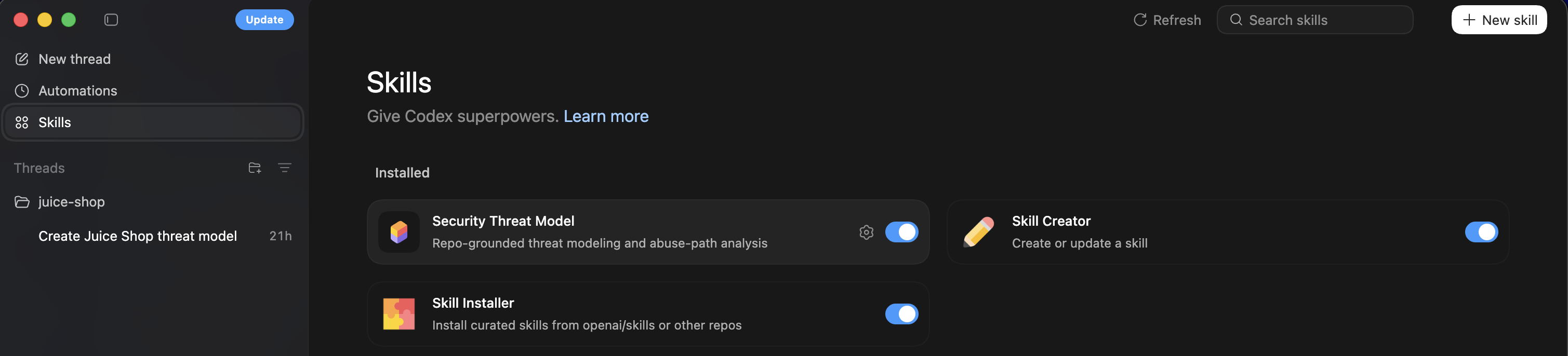
Skills can be thought about as: A packaged set of instructions + tools that teach the AI how to do a task. Instead of repeatedly writing prompts or manually guiding the model through a process, the skill provides structure and instructions so the agent can follow a consistent workflow. The structure below is what a skill looks like practically.
1
2
3
4
5
skill-name/
 ├─ skill.md        (instructions for the AI)
 ├─ scripts/        (optional code)
 ├─ resources/      (checklists, templates)
 └─ metadata.json
The skill.md file typically contains the primary instructions for the agent, explaining what it should analyze and how the output should be structured. Scripts or resources can optionally extend the skill with additional tooling or reference material. This makes the skill reusable across different repositories or projects.
While the skill itself has prompting that would satisfy a threat model, I used this for my testing purposes.
1
2
3
4
5
6
7
8
9
10
11
12
13
14
15
16
17
Use the security-threat-model skill on this repository.

Steps:
1. Infer system architecture from code and configuration.
2. Identify system components, services, and dependencies.
3. Generate a Mermaid data flow diagram.
4. Identify trust boundaries and sensitive assets.
5. Enumerate entry points and untrusted inputs.
6. Produce a STRIDE threat model mapped to components and data flows.
7. Recommend mitigations.

Focus on:
- authentication
- secrets management
- data exposure
- injection risks
- third-party integrations.
Quick Test
For a quick test I decided on using the popular OWASP Juice Shop as a codebase for the skill to assess. Juice Shop is intentionally vulnerable and widely used for security training, which makes it a useful target when testing tools that attempt to identify threats or architectural risks.
While using the desktop version of codex for my initial test, I decided to use the CLI version for this blog entry to see if there were any noticeable difference in the outcomes. The CLI version provides a more direct workflow for interacting with repositories and executing skills against the codebase.
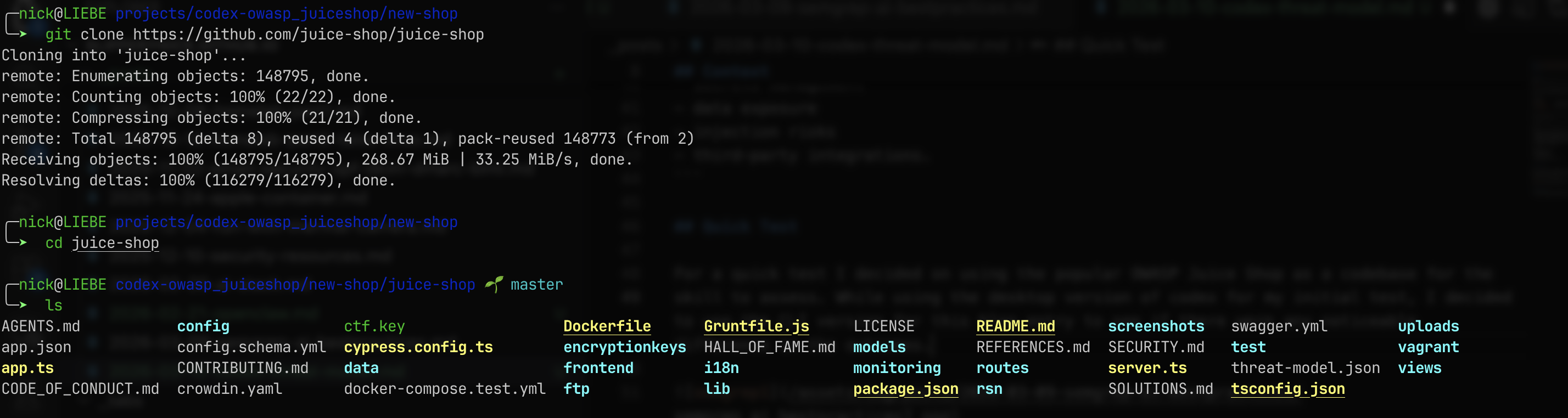
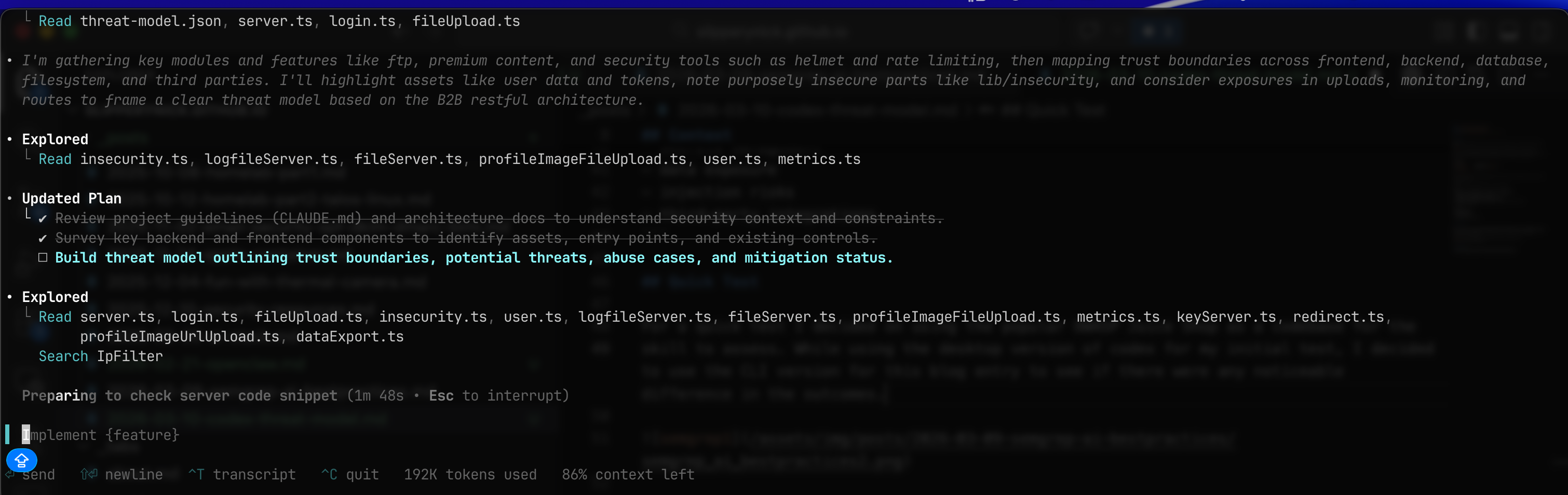
The prompted desktop codex version seemed more detailed, netherless it still produced a detailed threat-model. The CLI version still inferred the architecture, generated a data flow diagram, and mapped threats using STRIDE, which is generally the structure most threat modeling exercises follow.
I’ve already started using this as a learning opporunity and threat-modeling both things in my personal life as well as for technology at work. For instance, this is a threat model of the SaaS platform Tray.ai. Codex took public documentation and knowledge of LCNC platforms and created what I consider a very accurate threat model. It identified components such as connectors, APIs, workflow engines, and external integrations, and then mapped risks such as credential leakage, overly permissive connectors, and data exposure across automation pipelines.
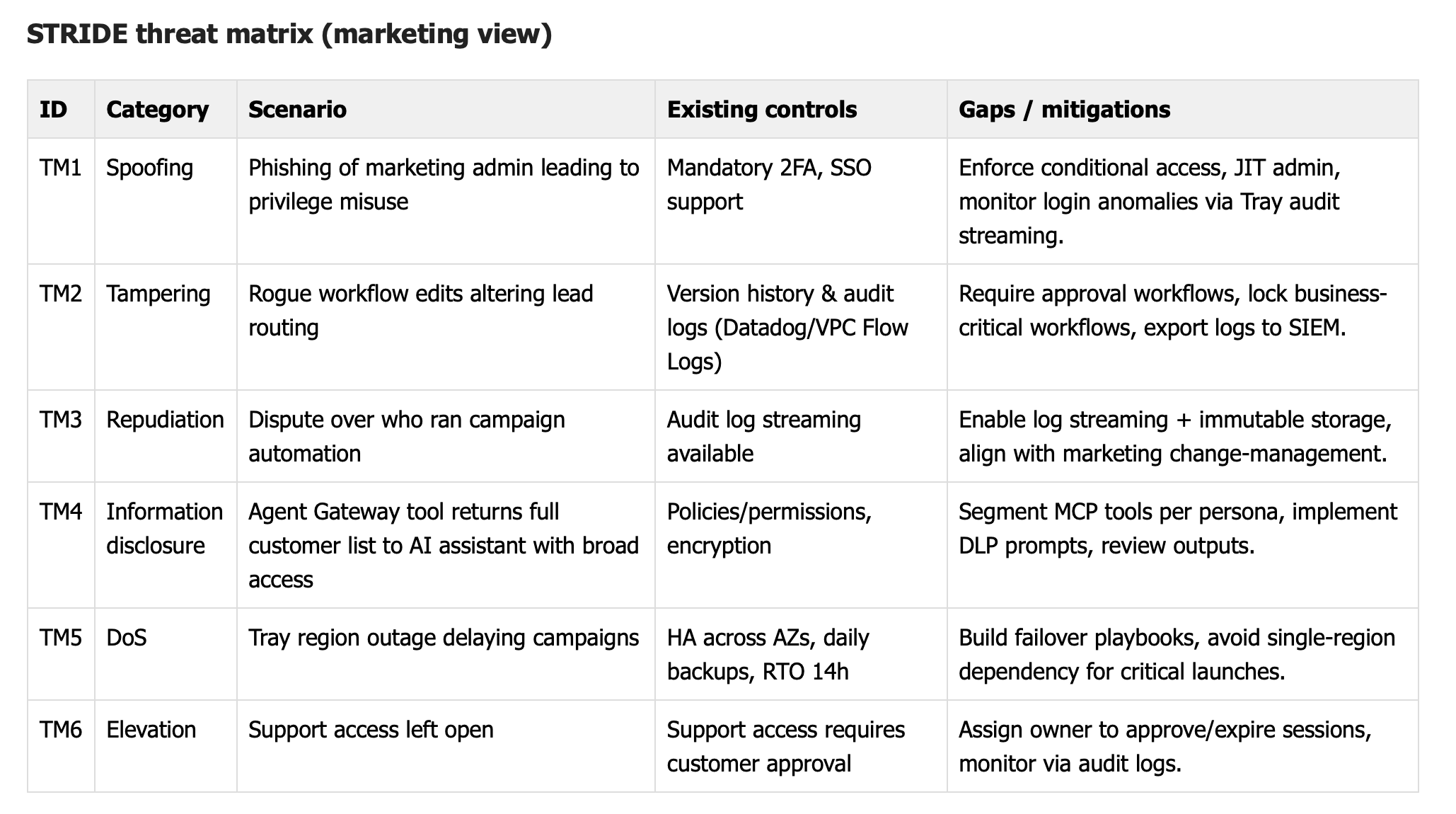
The interesting part of this exercise is not necessarily that the model replaces a full threat modeling exercise, but that it can accelerate the early stages. Generating a first-pass architecture diagram and listing potential threats can help security teams start the conversation faster and identify areas that need deeper manual review.
References
- https://developers.openai.com/api/docs/guides/tools-skills/
- https://developers.openai.com/codex/security/threat-model/